 天天的鸟蛋蛋
b9655a5ab1
26 包 monorepo(TS 全源码):
- snowcat-core: NT 内核 API 封装 + listener(含 9.9.37 六回调适配)+ Packet 发包
- snowcat-onebot: OneBot v11 全动作 + MCP Streamable HTTP 适配器 + 稳定线
- snowcat-webui-frontend/backend: 雪猫控制台(React+HeroUI)
- snowcat-shell: 单文件 bundle 出口(vite inlineDynamicImports)
- snowcat-native: napi2native / MoeHoo / ffmpeg / pty 运行时
- 56 项 SnowLuma 独门动作移植(qzone 全家桶/群相册/装扮/闪照/收藏)
- 工具件: 解包器/启动器/便携制作器/doctor

GitHub 关联已全量指向 DandanLLab/SnowCatQQ
1.8 KiB
1.8 KiB
QRCode Terminal Edition 
Going where no QRCode has gone before.
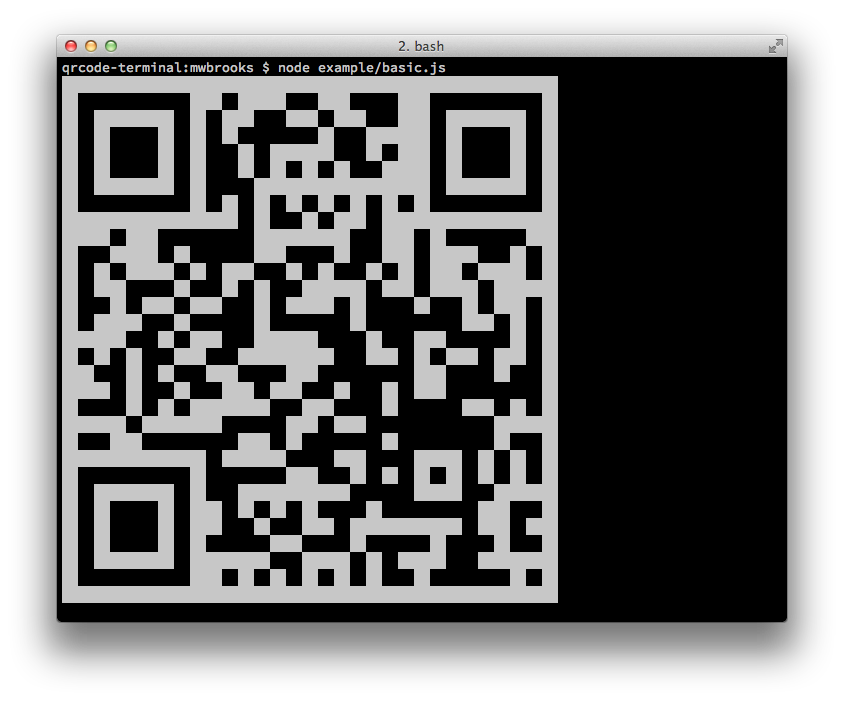
Node Library
Install
Can be installed with:
$ npm install qrcode-terminal
and used:
var qrcode = require('qrcode-terminal');
Usage
To display some data to the terminal just call:
qrcode.generate('This will be a QRCode, eh!');
You can even specify the error level (default is 'L'):
qrcode.setErrorLevel('Q');
qrcode.generate('This will be a QRCode with error level Q!');
If you don't want to display to the terminal but just want to string you can provide a callback:
qrcode.generate('http://github.com', function (qrcode) {
    console.log(qrcode);
});
If you want to display small output, provide opts with small:
qrcode.generate('This will be a small QRCode, eh!', {small: true});

qrcode.generate('This will be a small QRCode, eh!', {small: true}, function (qrcode) {
    console.log(qrcode)
});
Command-Line
Install
$ npm install -g qrcode-terminal
Usage
$ qrcode-terminal --help
$ qrcode-terminal 'http://github.com'
$ echo 'http://github.com' | qrcode-terminal
Support
- OS X
- Linux
- Windows
Server-side
node-qrcode is a popular server-side QRCode generator that
renders to a canvas object.
Developing
To setup the development envrionment run npm install
To run tests run npm test
Contributers
Gord Tanner <gtanner@gmail.com>
Micheal Brooks <michael@michaelbrooks.ca>